
 Image 1 of 1
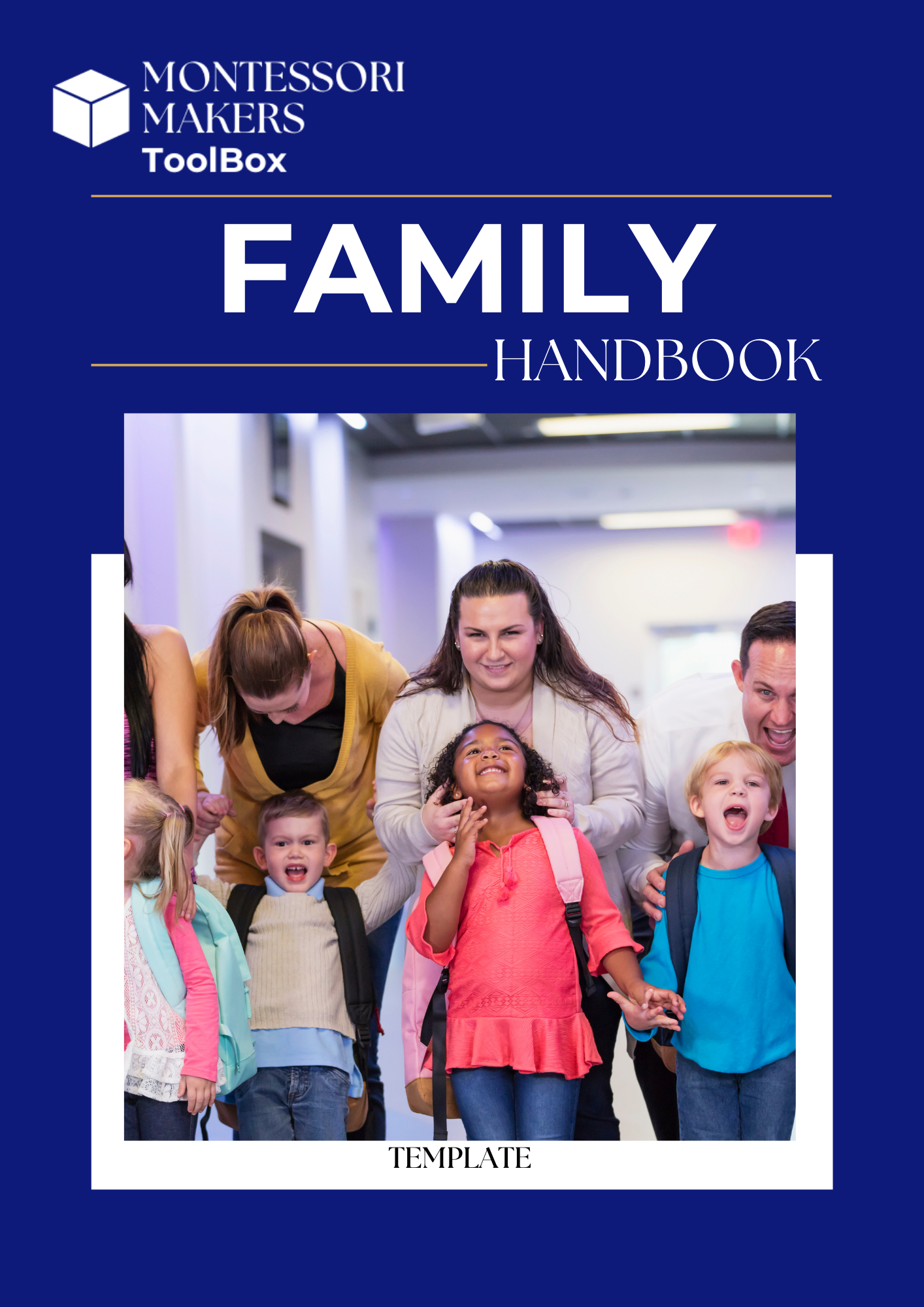
A comprehensive, customizable 58-page family handbook designed specifically for Montessori school communities. This resource helps leaders communicate expectations, partnership norms, school culture, and key policies in a way that reflects Montessori values, dignity, and belonging — without relying on generic school language that doesn’t fit the Montessori environment.
Instead of piecing together family communication from scattered emails or outdated documents, this template provides a thoughtfully structured framework that blends clarity, accessibility, Montessori identity, and equity-aligned language so families understand not just what the rules are — but the values and purpose behind them.
Whether you’re updating an existing handbook, standardizing communication across programs, or strengthening trust and transparency with families, this template is designed to support real-world implementation and partnership, not just information delivery.
This resource is provided as an editable .docx file so you can adapt it to your school’s context.
To customize your handbook:
Download the .docx file after purchase
Open it in Microsoft Word or Google Docs
Select Save As / Make a Copy before editing
Replace all bracketed fields (for example: [School Name], [Program Levels], [School Calendar Reference]) with your school’s details
Review all marked customization and legal-review sections before implementation
The template includes a light footer identifying it as an editable Montessori Makers Toolbox resource. Schools may remove or replace this footer in their final version.
To edit or remove the footer:
In Word: Go to Insert → Header & Footer → Edit Footer, then update or delete the text
In Google Docs: Go to Insert → Headers & Footers → Footer, then update or delete the content
Once your handbook is fully customized, you may add your school’s logo and footer text in its place.
Family communications and policy language should always reflect your state regulations, licensing requirements, and school policy framework. Before distributing your customized version, review it with your governance team and/or legal counsel, especially in sections related to enrollment agreements, health & safety, financial policies, and school procedures.
A comprehensive, customizable 58-page family handbook designed specifically for Montessori school communities. This resource helps leaders communicate expectations, partnership norms, school culture, and key policies in a way that reflects Montessori values, dignity, and belonging — without relying on generic school language that doesn’t fit the Montessori environment.
Instead of piecing together family communication from scattered emails or outdated documents, this template provides a thoughtfully structured framework that blends clarity, accessibility, Montessori identity, and equity-aligned language so families understand not just what the rules are — but the values and purpose behind them.
Whether you’re updating an existing handbook, standardizing communication across programs, or strengthening trust and transparency with families, this template is designed to support real-world implementation and partnership, not just information delivery.
This resource is provided as an editable .docx file so you can adapt it to your school’s context.
To customize your handbook:
Download the .docx file after purchase
Open it in Microsoft Word or Google Docs
Select Save As / Make a Copy before editing
Replace all bracketed fields (for example: [School Name], [Program Levels], [School Calendar Reference]) with your school’s details
Review all marked customization and legal-review sections before implementation
The template includes a light footer identifying it as an editable Montessori Makers Toolbox resource. Schools may remove or replace this footer in their final version.
To edit or remove the footer:
In Word: Go to Insert → Header & Footer → Edit Footer, then update or delete the text
In Google Docs: Go to Insert → Headers & Footers → Footer, then update or delete the content
Once your handbook is fully customized, you may add your school’s logo and footer text in its place.
Family communications and policy language should always reflect your state regulations, licensing requirements, and school policy framework. Before distributing your customized version, review it with your governance team and/or legal counsel, especially in sections related to enrollment agreements, health & safety, financial policies, and school procedures.